
Artificial Intelligence (AI) is revolutionizing content creation, and YouTube is no exception. With AI-powered tools, creators can automate video production, enhance editing, and optimize content for maximum engagement. If you want to go viral using AI-generated content, here’s a step-by-step guide to make it happen.

1. Understanding AI-Generated Content
AI-generated content refers to videos created or enhanced using AI tools. This includes:
- AI voiceovers and text-to-speech narration
- AI-generated scripts and video ideas
- AI-powered video editing and effects
- AI-driven thumbnails and metadata optimization
By leveraging AI, you can create high-quality videos faster while maintaining creativity.
2. Choosing the Right AI Tools for YouTube
To maximize your chances of going viral, use the best AI tools for different aspects of content creation:
AI for Scriptwriting & Video Ideas
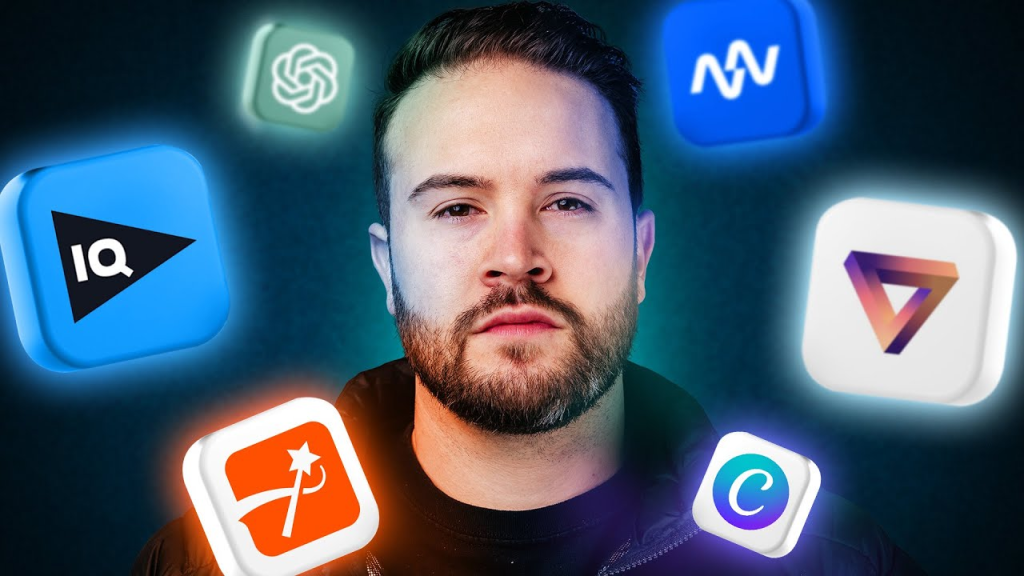
- ChatGPT / Jasper AI – Generate engaging video scripts.
- Copy.ai – Create compelling video titles and descriptions.
AI for Voiceovers & Narration
- Murf AI / ElevenLabs – High-quality AI voiceovers that sound human.
- Speechelo – Converts text into natural-sounding speech.
AI for Video Creation & Editing
- Synthesia / HeyGen – AI avatars and voice-based video creation.
- Runway ML / Pictory – AI-powered video editing and automated highlight detection.
AI for Thumbnails & SEO Optimization
- Canva AI / Fotor AI – Generate eye-catching thumbnails.
- VidIQ / TubeBuddy – Optimize metadata, keywords, and SEO.
3. Creating AI-Generated Videos That Go Viral
Going viral requires more than just AI automation—it’s about storytelling, engagement, and strategy. Here’s how to do it:
Step 1: Identify Trending Topics
- Use Google Trends, YouTube Trends, and AI tools like VidIQ to find popular topics.
- Focus on evergreen content (e.g., tutorials, listicles) or trending viral challenges.
Step 2: Generate a Compelling Script
- Use AI writing tools to generate engaging, value-driven scripts.
- Keep sentences short, conversational, and informative.
Step 3: Create AI-Generated Video & Voiceover
- Use AI voiceovers for narration if you don’t want to record your voice.
- AI-powered video tools like Pictory can automatically create a video using stock footage.
Step 4: Enhance Engagement with AI Editing
- Use AI for auto-cuts, zooms, and transitions to maintain viewer attention.
- Add auto-generated subtitles and captions for better accessibility.
Step 5: Optimize for YouTube SEO with AI
- Use AI-powered keyword research tools (VidIQ, TubeBuddy) to find viral keywords.
- Write SEO-friendly titles, descriptions, and tags.
- Generate an attention-grabbing thumbnail using AI design tools.
Step 6: Post at the Right Time & Promote
- Use AI analytics tools to find the best time to upload.
- Promote your videos across social media, forums, and communities.
- Engage with viewers through AI-powered comment responses.
4. AI-Generated Content Best Practices
To ensure AI-generated content performs well, follow these best practices:
- Avoid low-quality, repetitive AI content (YouTube may demonetize it).
- Inject human creativity – AI should enhance, not replace, originality.
- Follow YouTube’s AI content guidelines to prevent demonetization.
- Test different AI tools to find the best workflow for your channel.
5. Case Studies: How AI Content Goes Viral
Example 1: AI-Generated Motivational Videos
- AI script + AI voiceover + AI-edited stock footage = Millions of views
Example 2: AI-Animated Educational Explainers
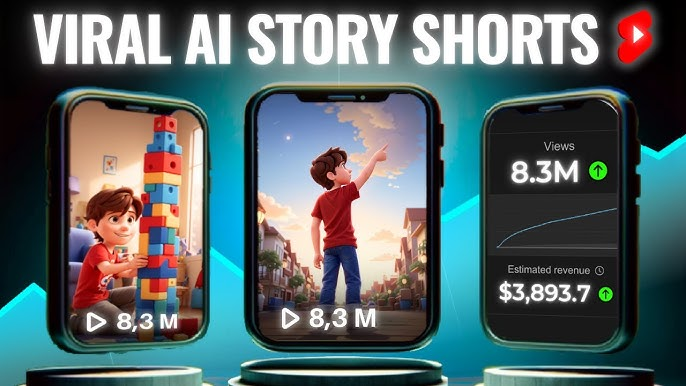
- AI-generated characters + AI narration + Auto-edited videos = Viral success
Example 3: AI-Powered YouTube Shorts & Reels
- AI-generated captions + fast-paced AI edits = Boosted engagement
Final Thoughts
AI is transforming YouTube content creation, making it easier than ever to go viral. By using AI for scripting, editing, voiceovers, and optimization, you can create high-quality, engaging videos that attract millions of views.
🚀 Ready to go viral? Start using AI tools and watch your YouTube channel grow!

 Techpadd
Leave a comment