
Creating high-quality YouTube videos requires both efficient editing and eye-catching thumbnails. Thankfully, AI-powered tools can help creators save time and enhance their content with professional-level results. Whether you’re a beginner or a seasoned YouTuber, using AI tools can boost your video quality, improve engagement, and increase your views.
Here are some of the best AI tools for YouTube video editing and thumbnail creation to take your content to the next level!

Best AI Tools for YouTube Video Editing
1. Descript
Best for: Automated video editing, transcription, and podcast editing.
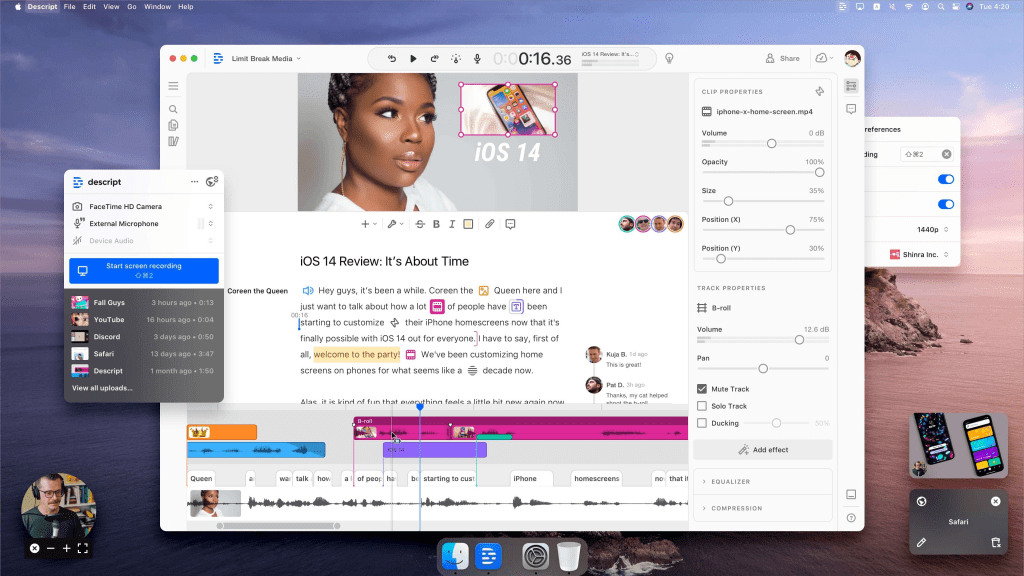
Descript uses AI-powered features like text-based video editing, automatic captions, and voice cloning to streamline video editing. You can edit videos by editing the transcript, making it super intuitive for creators.
✅ Key Features:
- Edit videos by editing text
- AI-generated voiceovers
- Screen recording & podcast editing
🔗 Website: https://www.descript.com
2. Runway ML
Best for: AI-powered visual effects and automated video enhancements.
Runway ML provides a suite of AI-driven video editing tools, including background removal, motion tracking, and style transfer effects. It’s a great option for YouTubers looking to add unique visuals.
✅ Key Features:
- AI-powered background removal
- Auto-motion tracking
- Real-time collaboration
🔗 Website: https://runwayml.com

3. Wondershare Filmora
Best for: Beginner-friendly AI video editing.
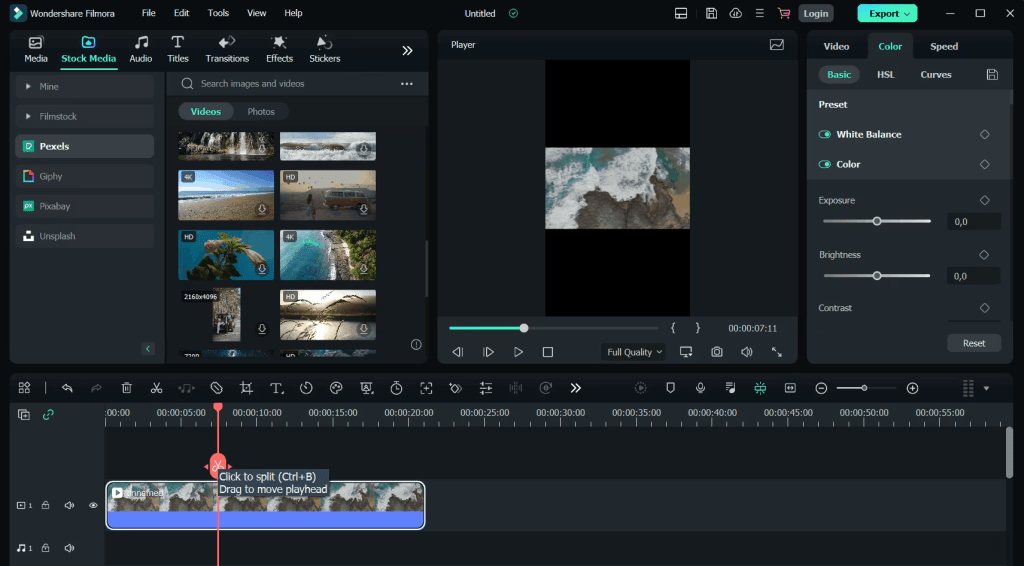
Filmora offers an AI-powered video editor that simplifies complex tasks like auto-cropping, color correction, and motion tracking. It’s perfect for creators who need a balance between automation and manual control.
✅ Key Features:
- AI-powered auto-cropping
- Motion tracking & keyframing
- AI speech enhancement
🔗 Website: https://filmora.wondershare.com
4. Pictory
Best for: Converting text into engaging videos.
Pictory is an AI video creation tool that turns scripts, blog posts, or articles into engaging videos. It’s ideal for faceless YouTube channels that rely on text-based storytelling.
✅ Key Features:
- Auto-generates videos from text
- AI-powered voiceovers & subtitles
- Video summarization
🔗 Website: https://pictory.ai

5. VEED.io
Best for: Online video editing with AI-powered automation.
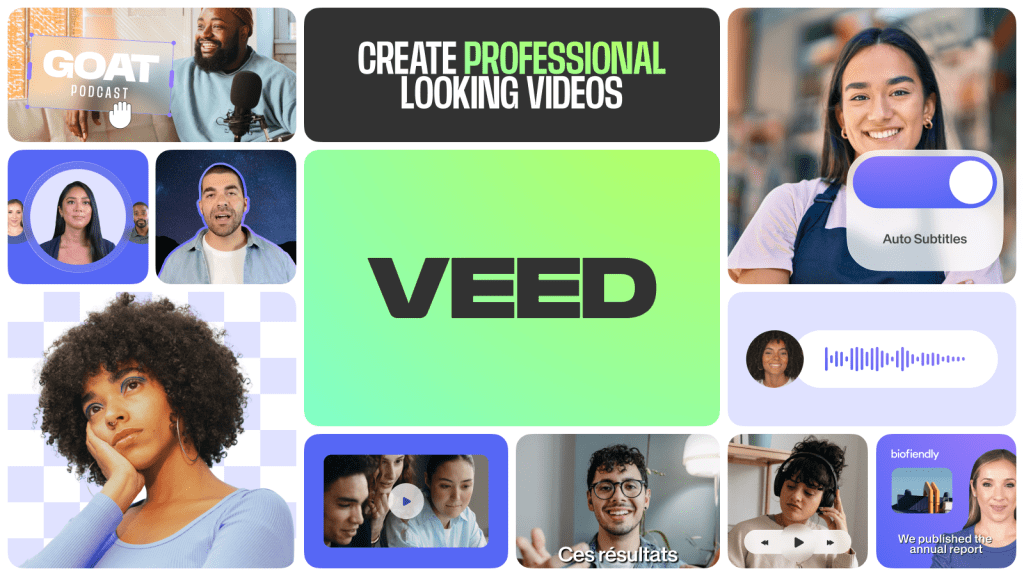
VEED.io is an easy-to-use online video editor with auto-subtitles, AI background removal, and audio clean-up features. It’s a great tool for quick edits without needing advanced skills.
✅ Key Features:
- Auto-subtitles & translations
- AI-powered audio clean-up
- GIF & meme maker
🔗 Website: https://www.veed.io
Best AI Tools for YouTube Thumbnail Creation
1. Canva AI
Best for: AI-generated thumbnail design.
Canva’s AI-powered tools make designing YouTube thumbnails fast and easy. It offers pre-made templates, AI image enhancement, and text suggestions to help you craft click-worthy thumbnails.
✅ Key Features:
- AI-powered design suggestions
- Background remover
- Huge template library
🔗 Website: https://www.canva.com

2. Fotor AI
Best for: AI photo editing and thumbnail enhancement.
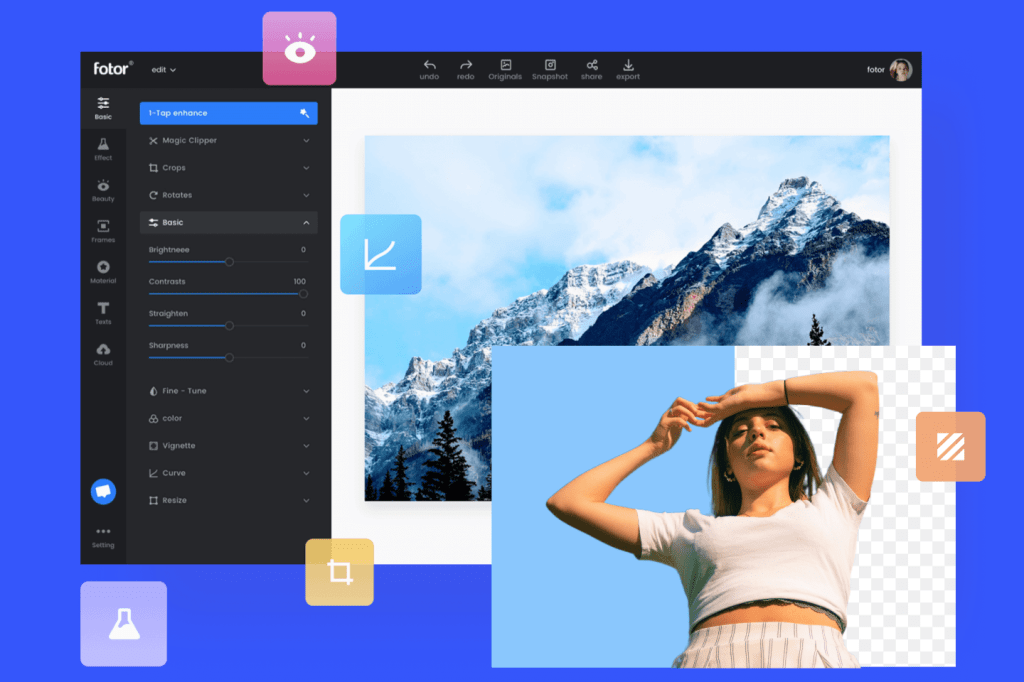
Fotor uses AI to automatically enhance photos, remove backgrounds, and add effects to make thumbnails more attractive. It’s a great tool for creating high-quality visuals with minimal effort.
✅ Key Features:
- AI photo enhancement
- One-click background removal
- Pre-designed thumbnail templates
🔗 Website: https://www.fotor.com
3. Adobe Express
Best for: Professional AI-driven thumbnail design.
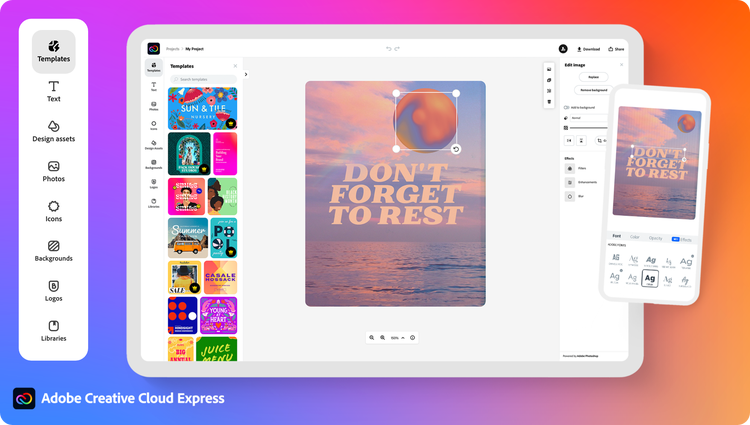
Adobe Express provides AI-powered design tools for creating high-quality thumbnails. It includes background removal, image resizing, and pre-set filters to optimize thumbnails for YouTube.
✅ Key Features:
- AI-based design automation
- Thousands of customizable templates
- High-quality stock images & fonts
🔗 Website: https://www.adobe.com/express
4. Remove.bg
Best for: AI-powered background removal.
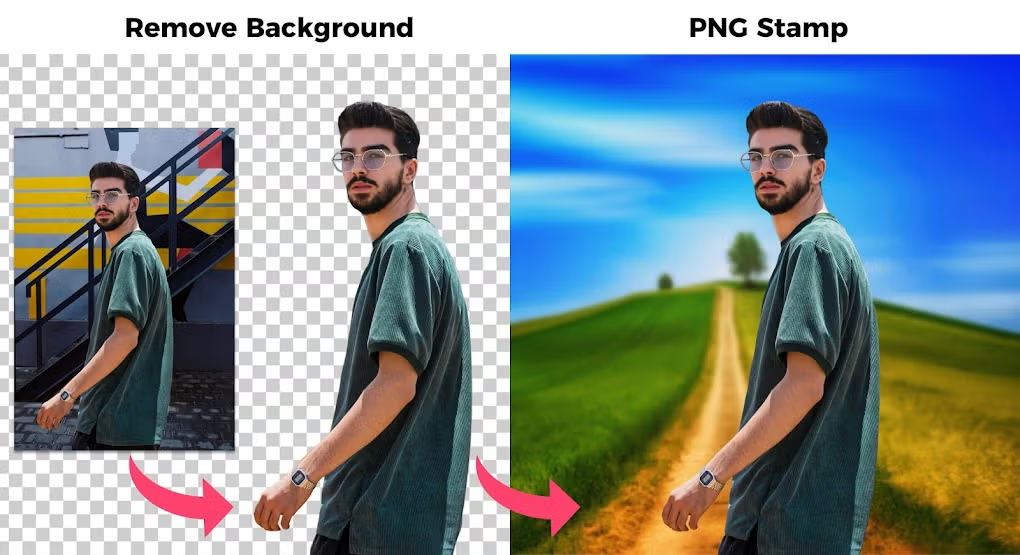
A clean and professional thumbnail often requires removing backgrounds from images. Remove.bg uses AI to automatically remove backgrounds, making it easy to create professional-looking thumbnails.
✅ Key Features:
- AI-powered one-click background removal
- Works on images with complex backgrounds
- High-resolution output
🔗 Website: https://www.remove.bg
Final Thoughts
AI-powered tools can help YouTubers save time and enhance their videos while ensuring their thumbnails stand out. Whether you’re looking for video editing automation or AI-driven thumbnail creation, the tools listed above will help you boost engagement and grow your channel.
🚀 Which AI tool are you excited to try? Let us know in the comments!

 Techpadd
Leave a comment